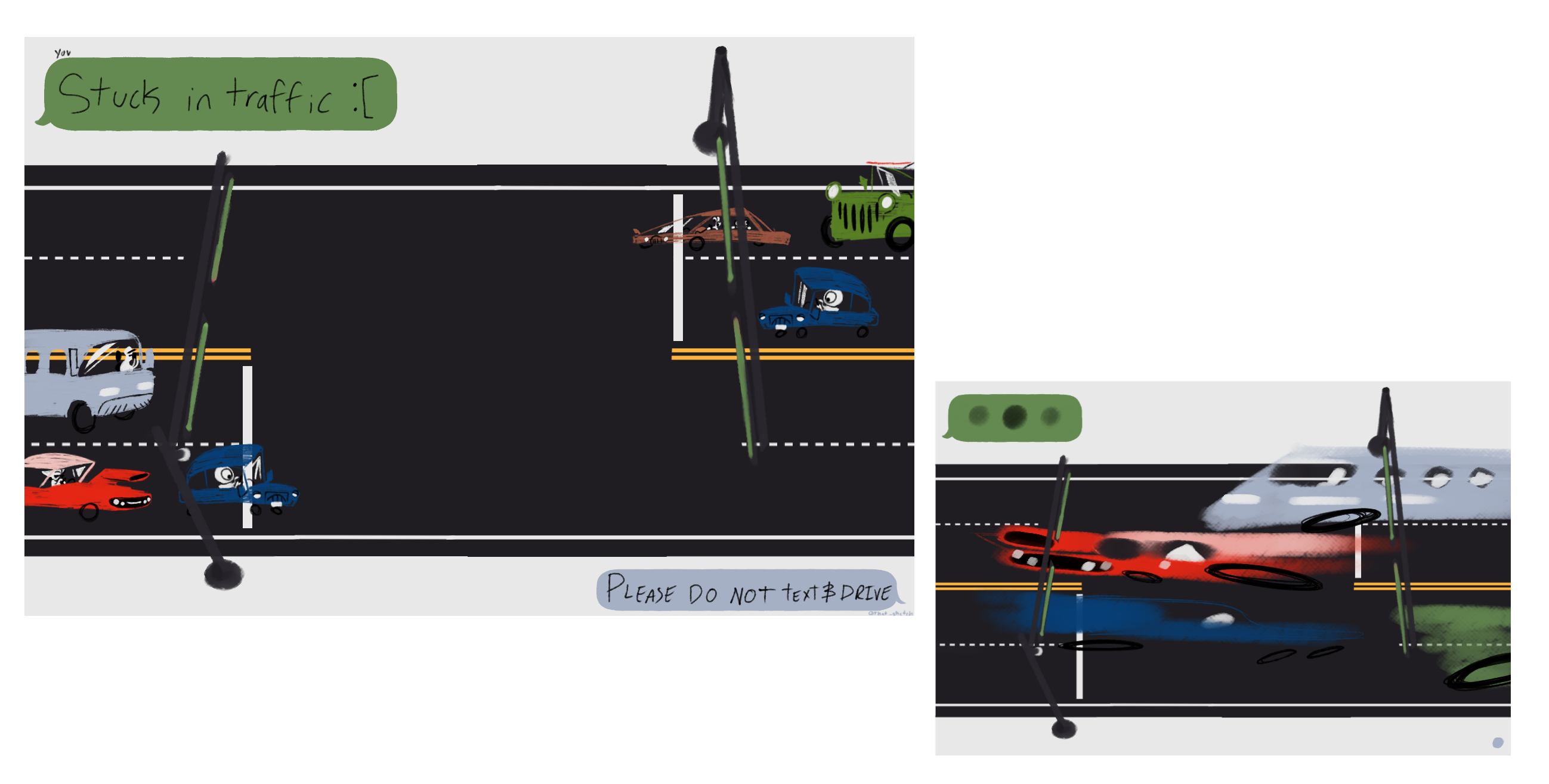
Now this project didn't start off the bat with dinosaurs with cars. Truefully it started more like an interactive PSA with more of a UPA art style. Where you were going to control the traffic light. But in the early stages of the project it was proven to not give many momments for the interatcor to understand just what to do.
So this ended up getting switched up
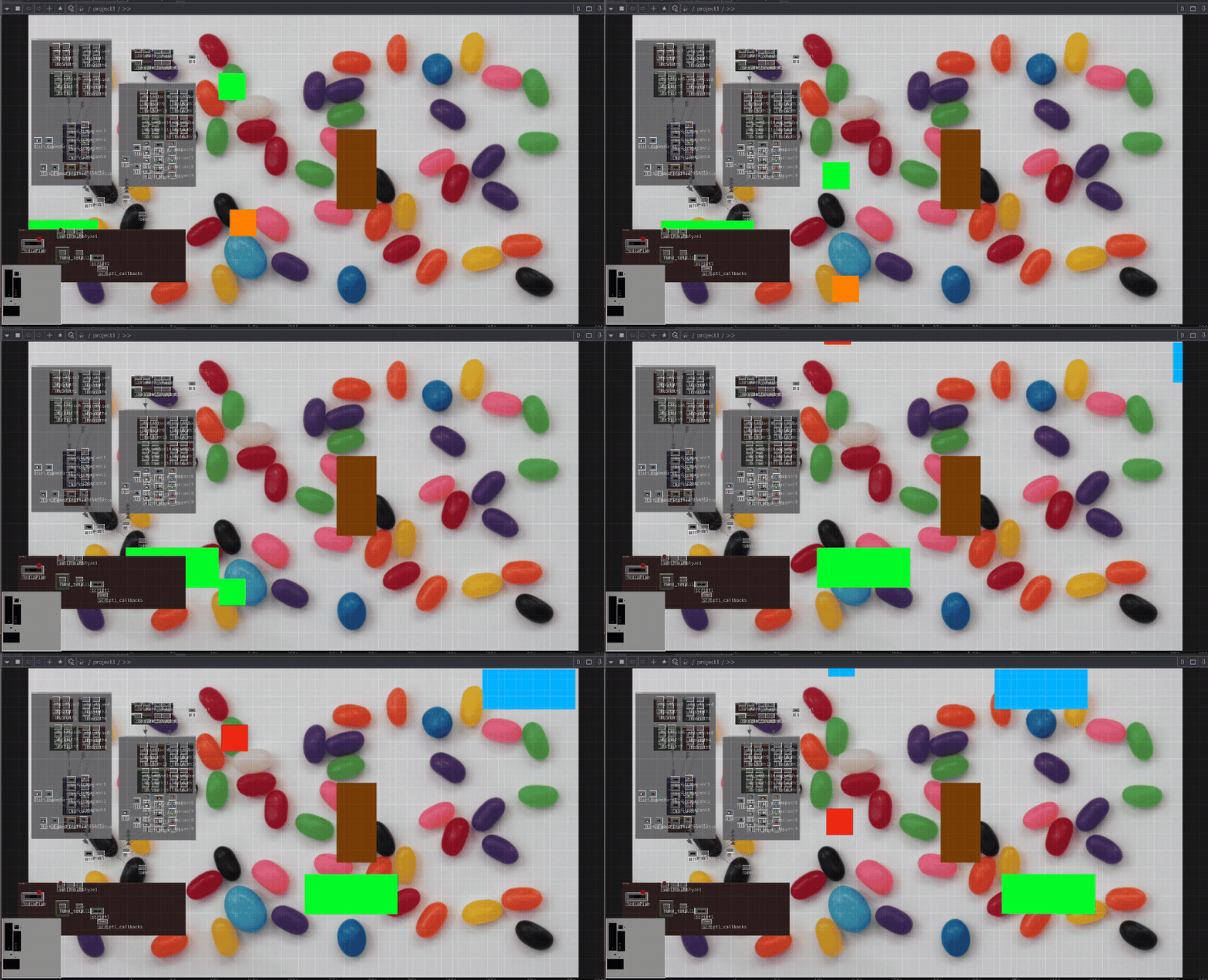
I wanted to start with understanding how to move things from the left side of the screen to the right side of the screen. So in the beginning of this project i started with a bunch of rectangles. I was trying a bunch of different kind of nodes. But what I found to work the best was making the rectangle into a geo SOP and moving that Geo COMP with animate COMP and them boom! Its all set up for asy movement.
The next hurdle to jump was how to get it to connect with the body and comands or movements.
Jumping a bit more into the project, this is where I started to get hand controls to work into the project. But I didn't go stright into the hand gestures. I started with switches. So I could get full control over what the project was looking looking like. It was a bit of an uphill battle at first. As trying to get the animation COMPs to connect to the switch TOPs was a tough.
I had asked some help from a few different peers on it, from Ana, and Casper with some really confusing questions on how or what they might use to make it do things I wanted it to do. And after trying some of suggestions for SOPs, and CHOPs. and it ended up being saved by Perplexity.
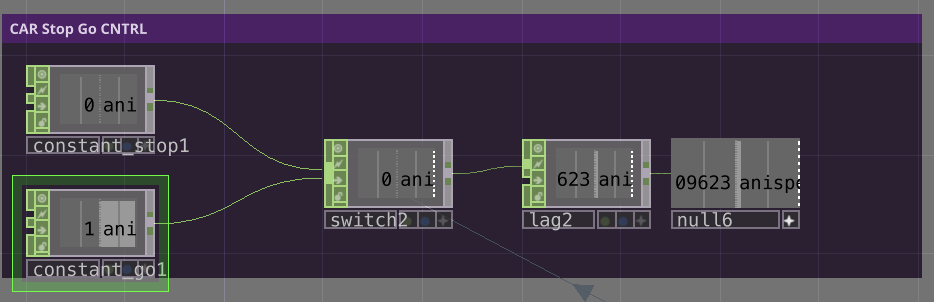
Which was to mange, all of the nodes are SOPs, two constain SOPs. One for movement and for not movement. Connected to switch, whitch then stwitches based on if its a 1 or a 0. With a lag SOP to make some delay feel more orgainc. For the end of the trail, a null was added to make sure no issues were made past that point.
Past that point. All that was done was to switch out the trigger shwitch for hand controls, which was admittly, not hard. It was just pluging in the data from the kinect.
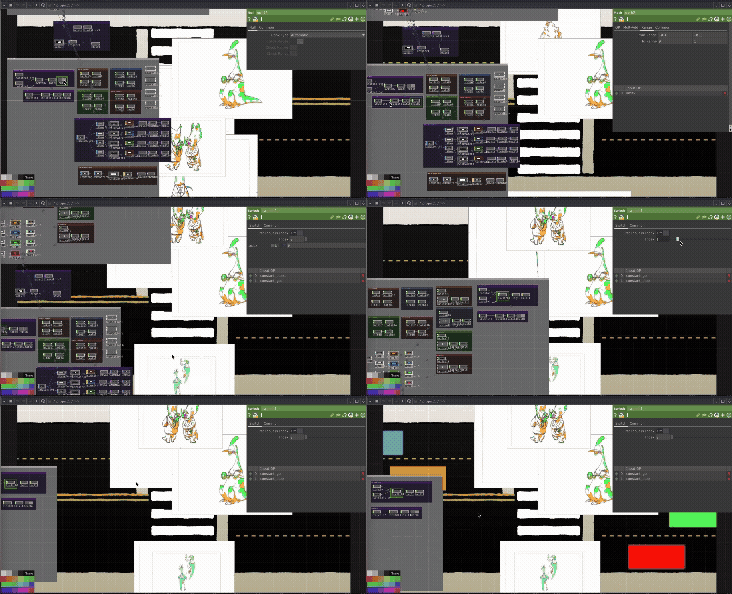
Now, as of this point time, with all of the Illustrative assets. Which is were I started to learn the biggest lesson in this project. I spent most of my time on the technical and getting it work that the illustrative part of this project was just as much of a challenge to get working. Including with transparent gifs and Alphaed out MOVs.
Anything a white background was a no go. was it was just messing up and removing any soild colors I had out with the white. So Alpha was out of the question.
So I just switched it to transparent GIF. And it worked. With little quirks. So Going down that route was the best way to go.

Now, as of this point time, with all of the Illustrative assets. Which is were I started to learn the biggest lesson in this project. I spent most of my time on the technical and getting it work that the illustrative part of this project was just as much of a challenge to get working. Including with transparent gifs and Alphaed out MOVs.
Anything a white background was a no go. was it was just messing up and removing any soild colors I had out with the white. So Alpha was out of the question. So I just switched it to transparent GIF. And it worked. With little quirks. So Going down that route was the best way to go.
The next thing was the characters to walk and the cars. The background is also a part of this. The cars were quick and easy, same with the background. But where I ran out of time and problems are the characters themselfs.
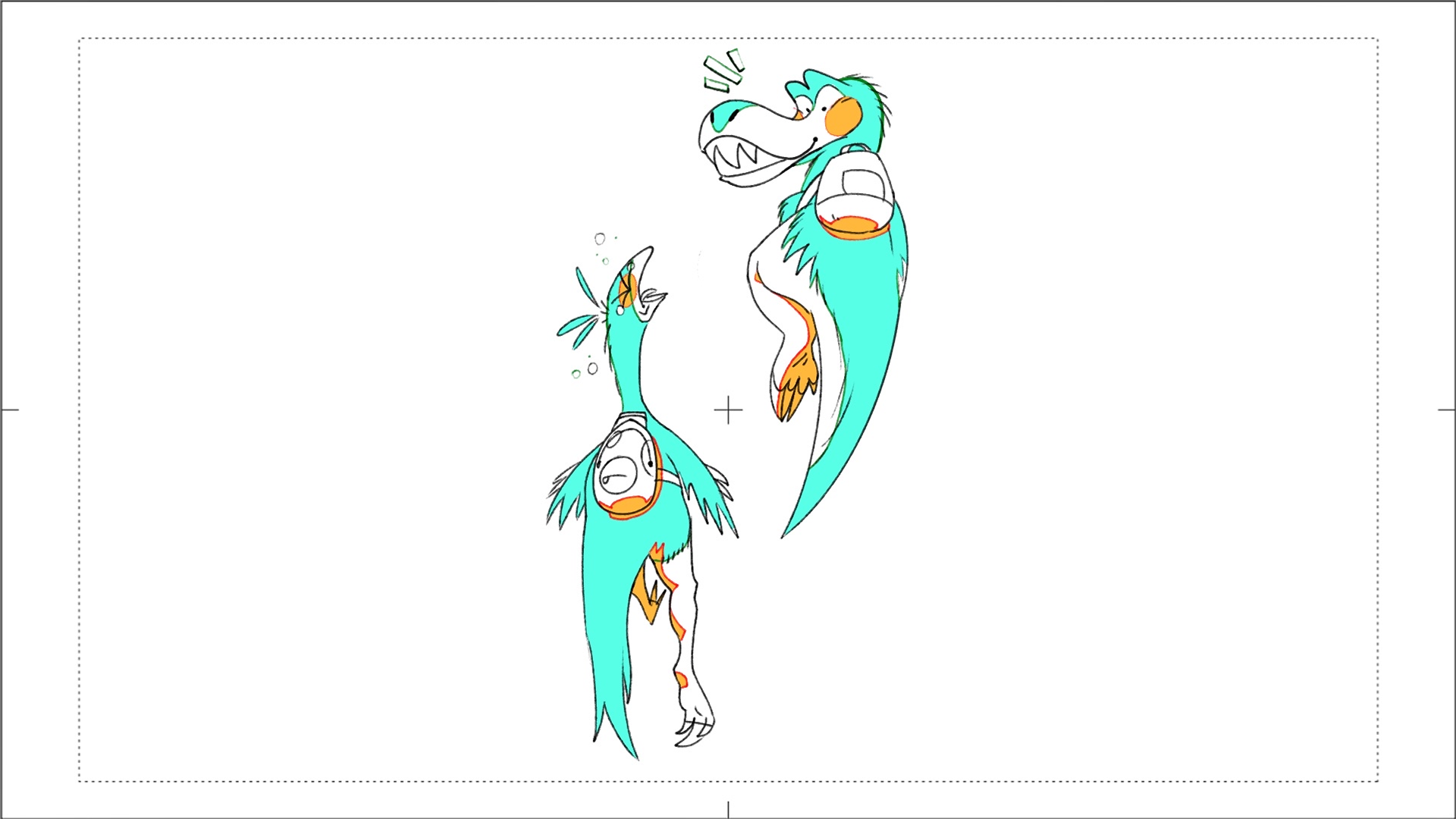
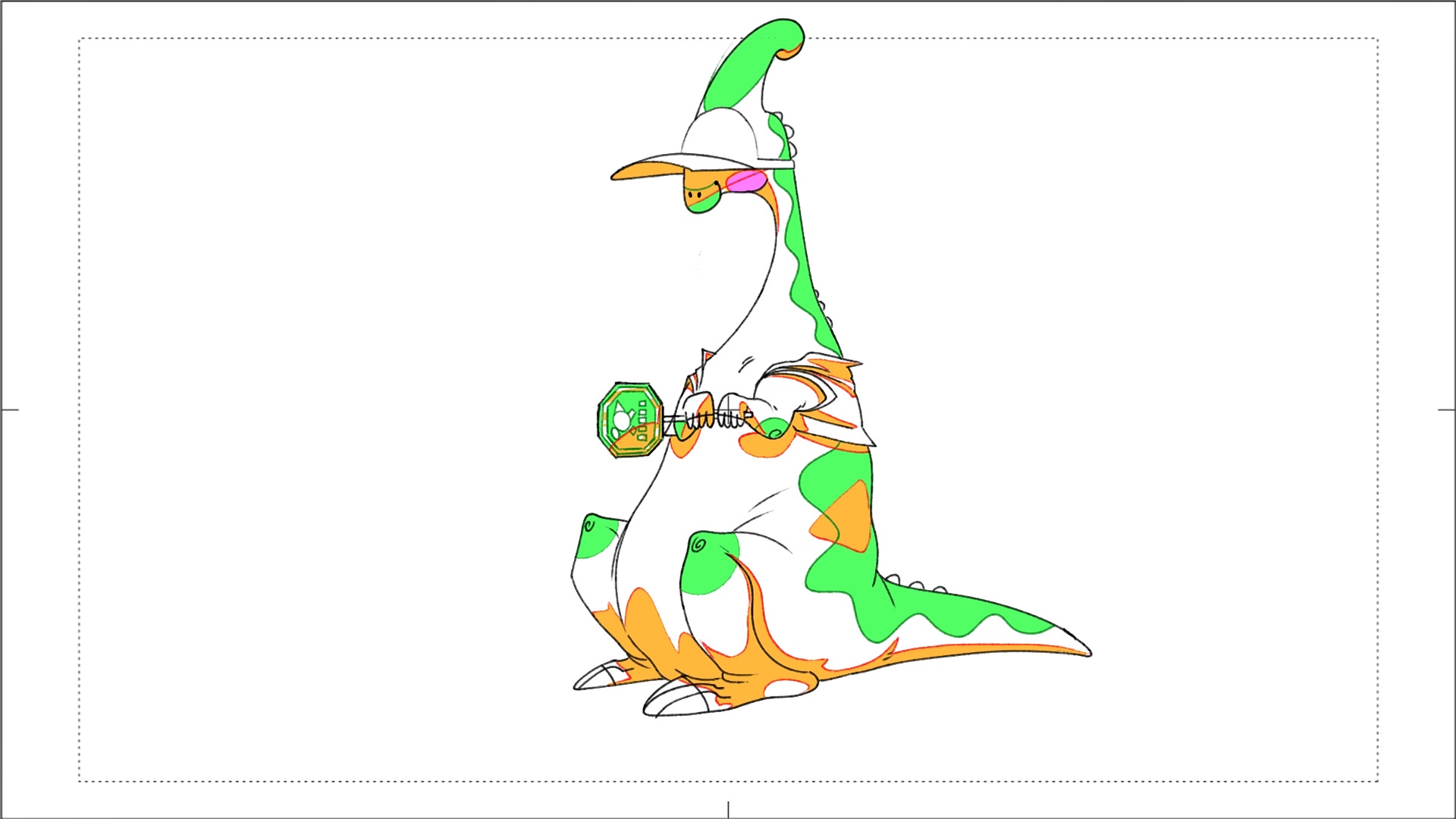
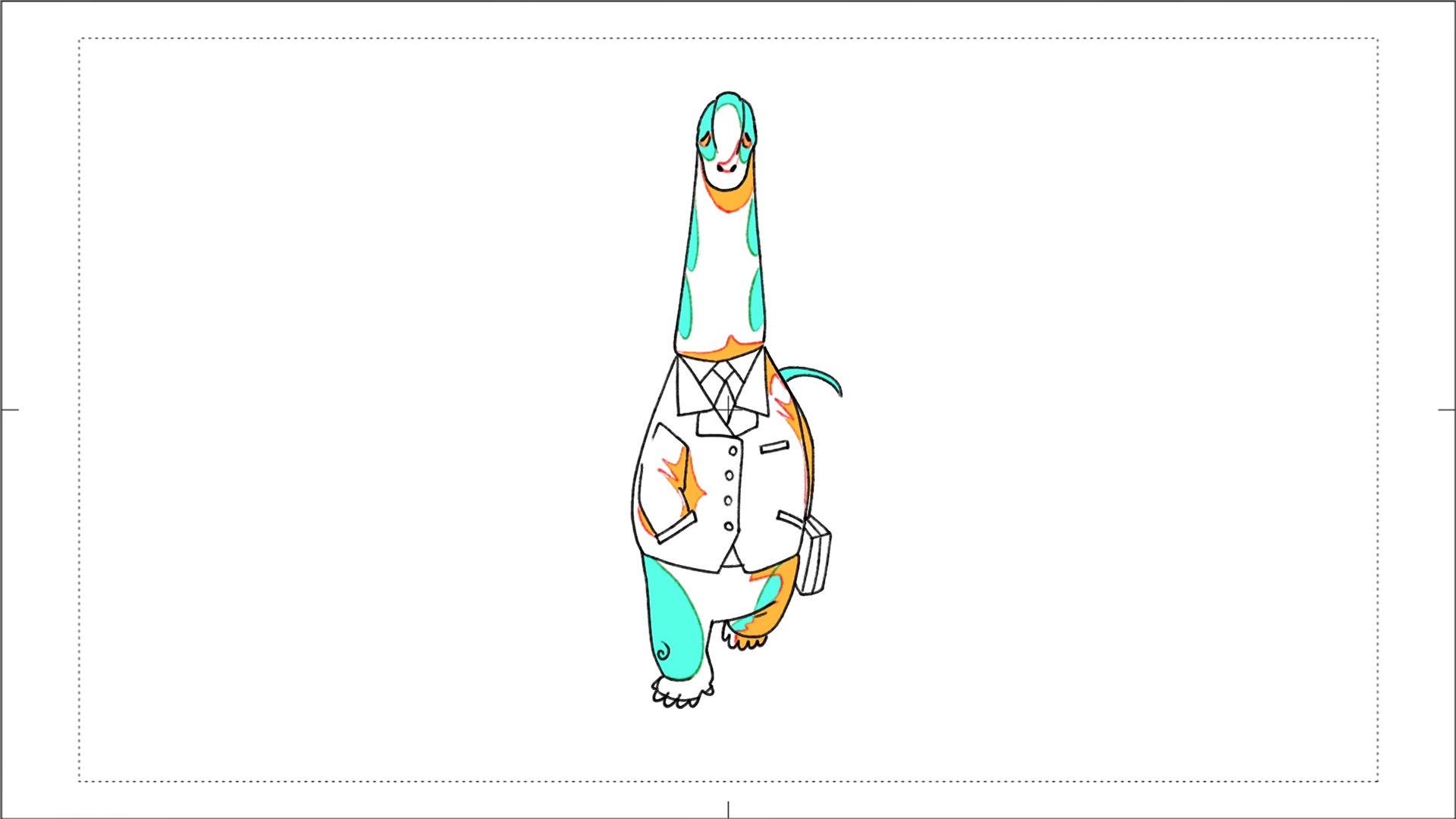
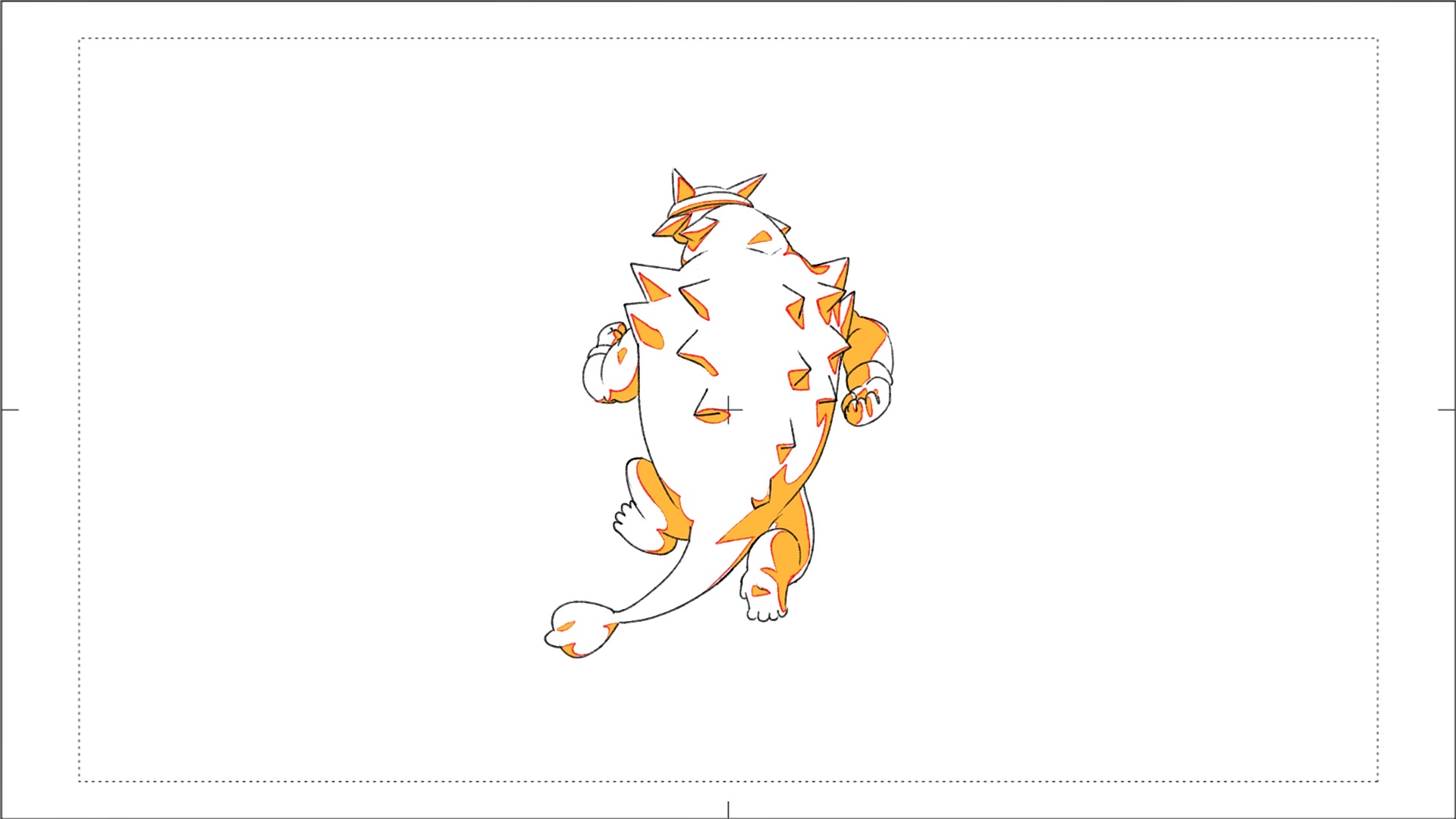
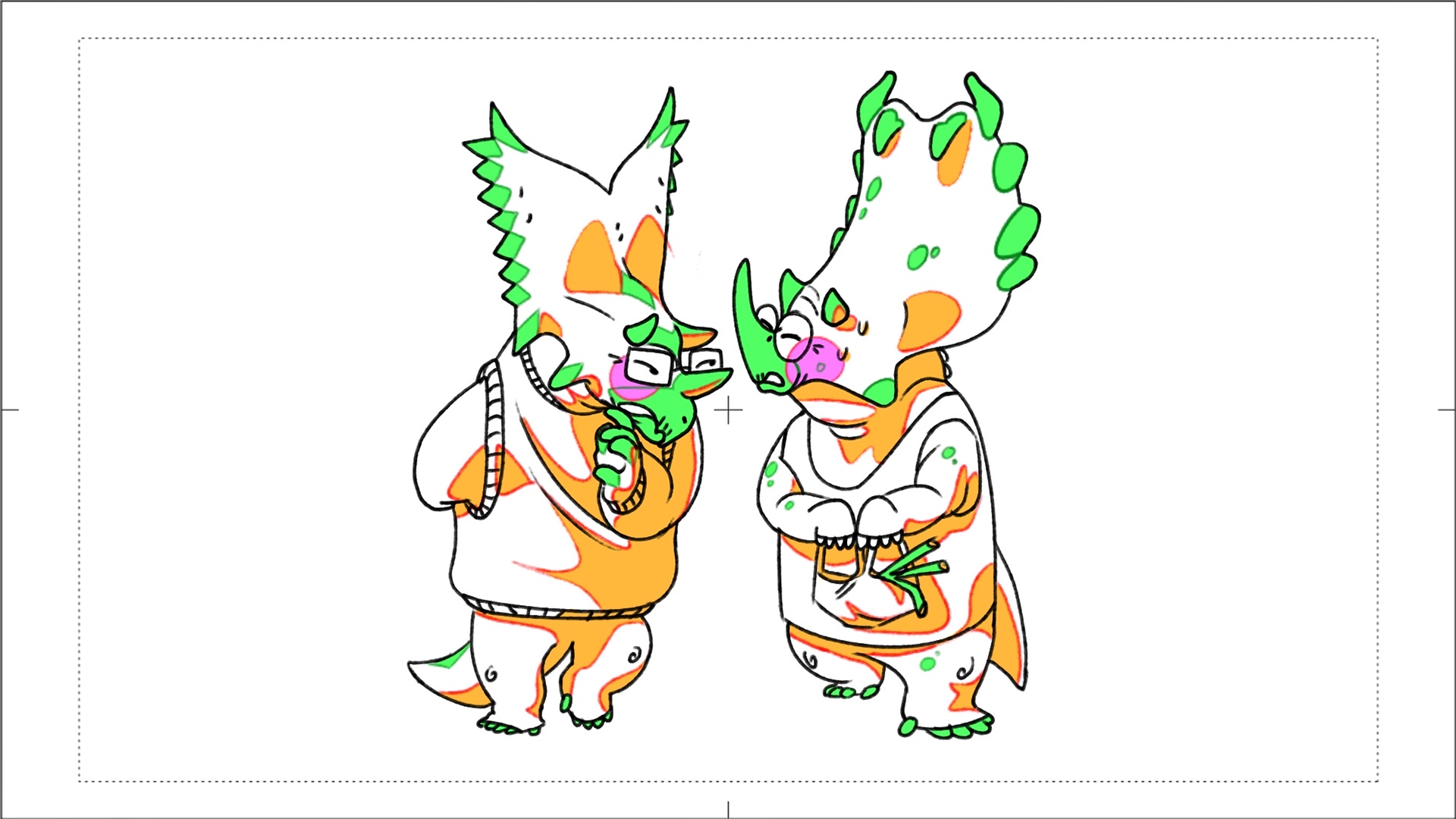
I got them to switch between an idle animation and a walk animation. For the main guy, our traffic conductor, has three animations but I only got two in at the moment. Not to mention my work is still in the blocking stage. I want to explain that the colors being shown below are not final design colors. This is a style of render called Genga, which is mainly used in japanese animation. Its to help with blocking the design and shading of characters. So these guys are not the final versons of these characters.
Thats me playing with my own project. Ana helped me record these