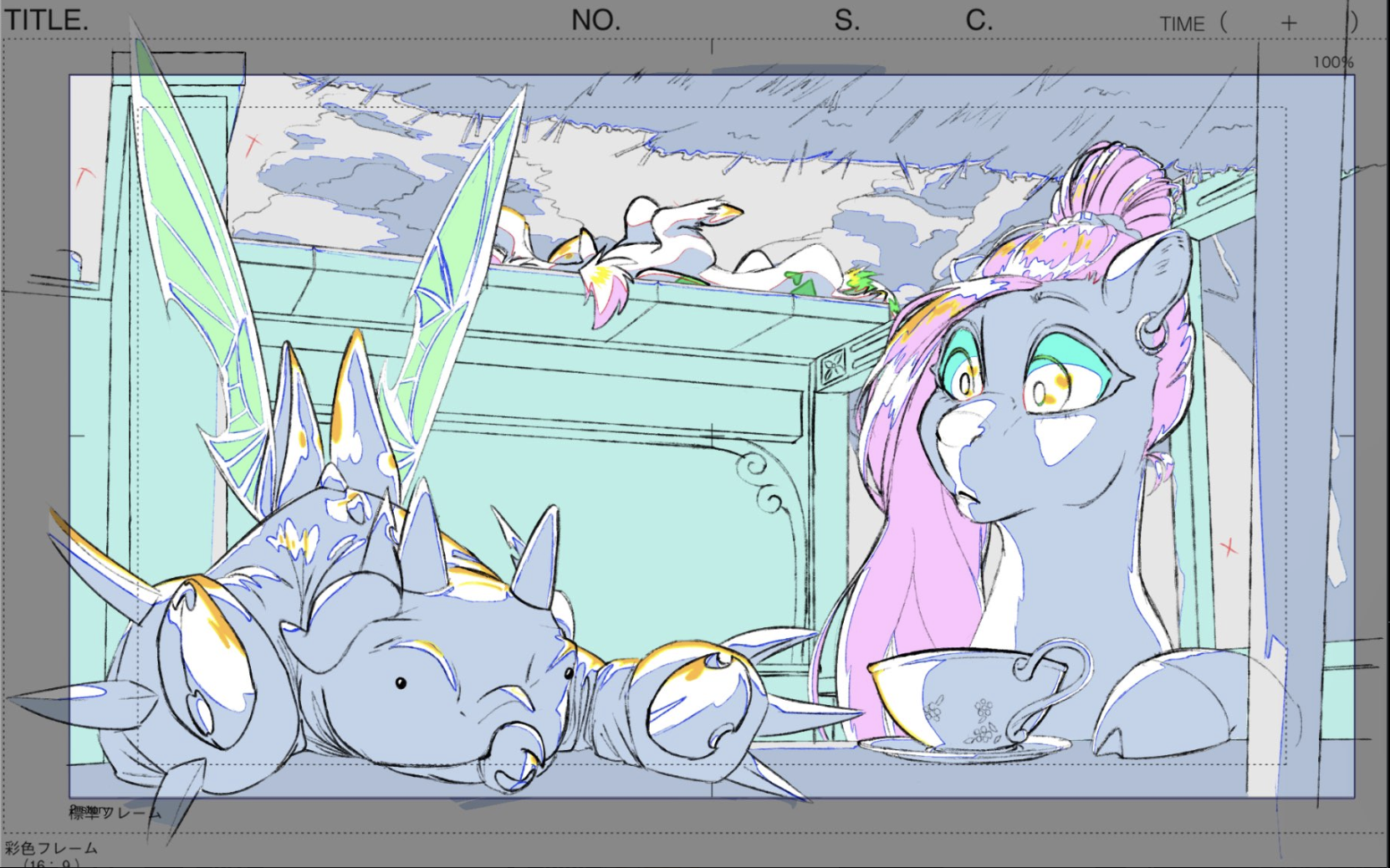
Working in Bolt.new was very experimental, and a lot of the process involved trial, error, and adjusting prompts to get the results I wanted. I first built the home screen with two paths: Learn, which explains what genga is used for, and Play, where users can interact as if they’re the genga artist. The biggest challenge came from the Play section, where I had to figure out how to create clickable color-coded regions and get the win screen to trigger correctly. It took several iterations, but working through those problems helped me understand how Bolt handles interaction and logic.
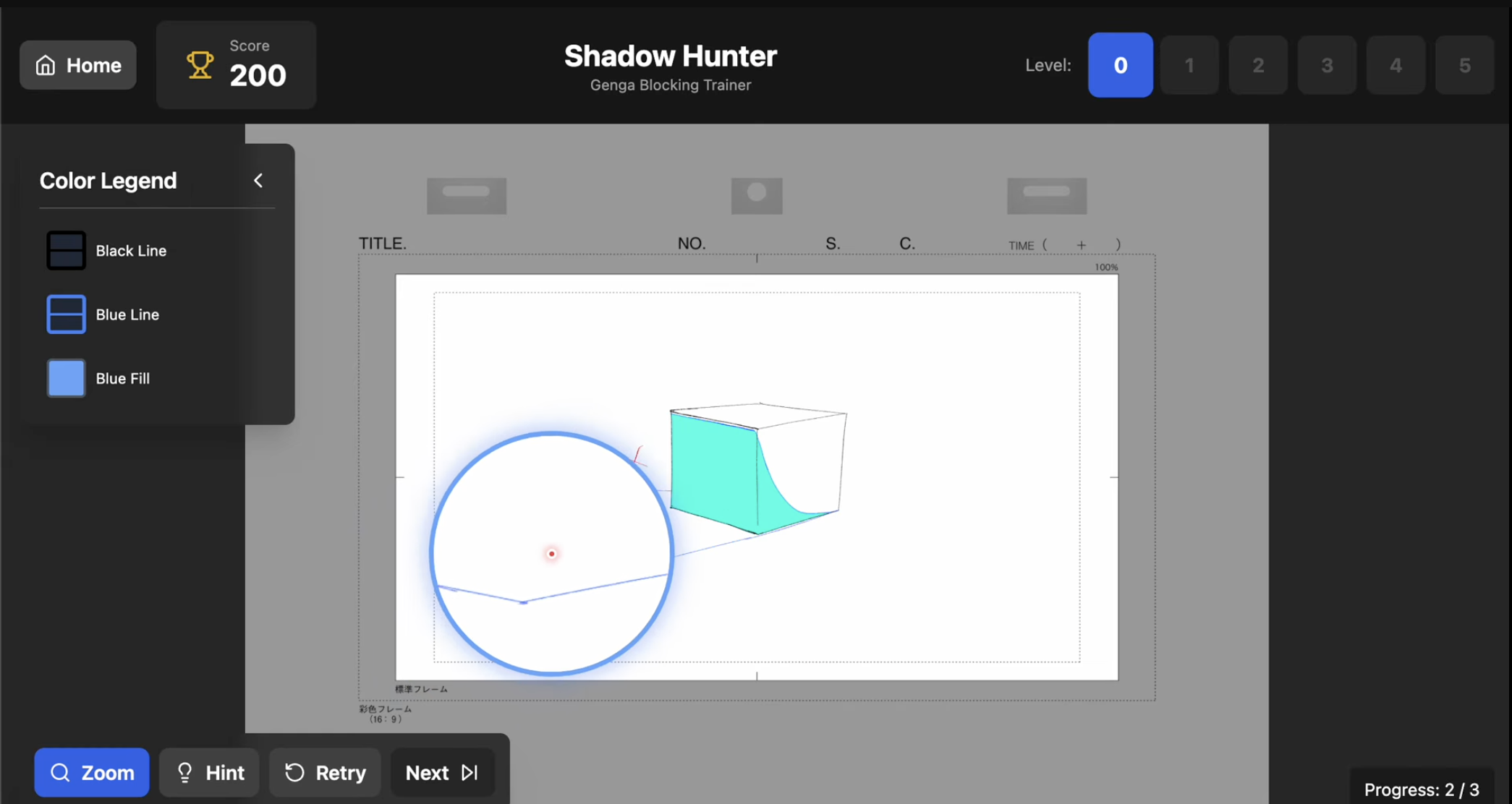
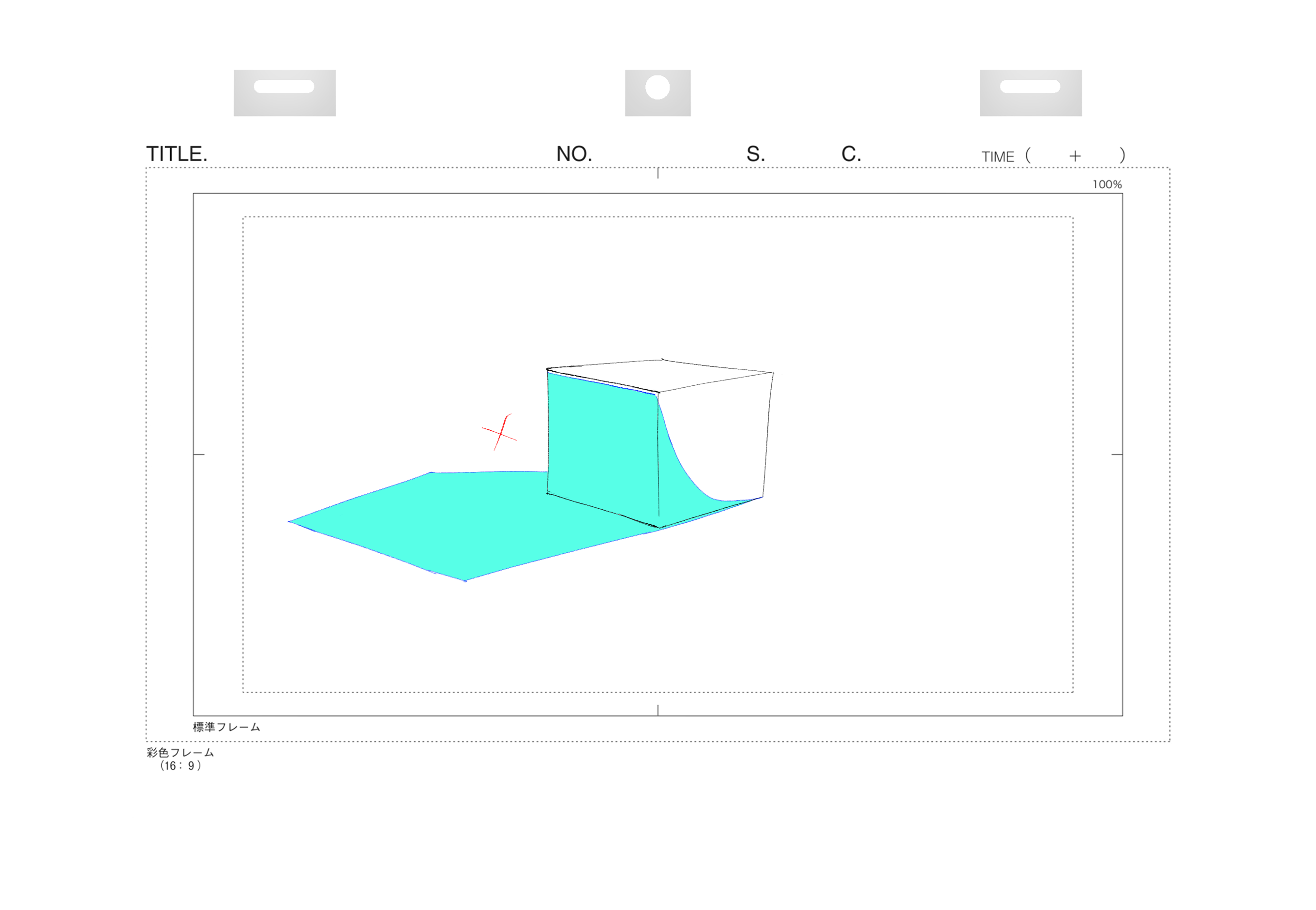
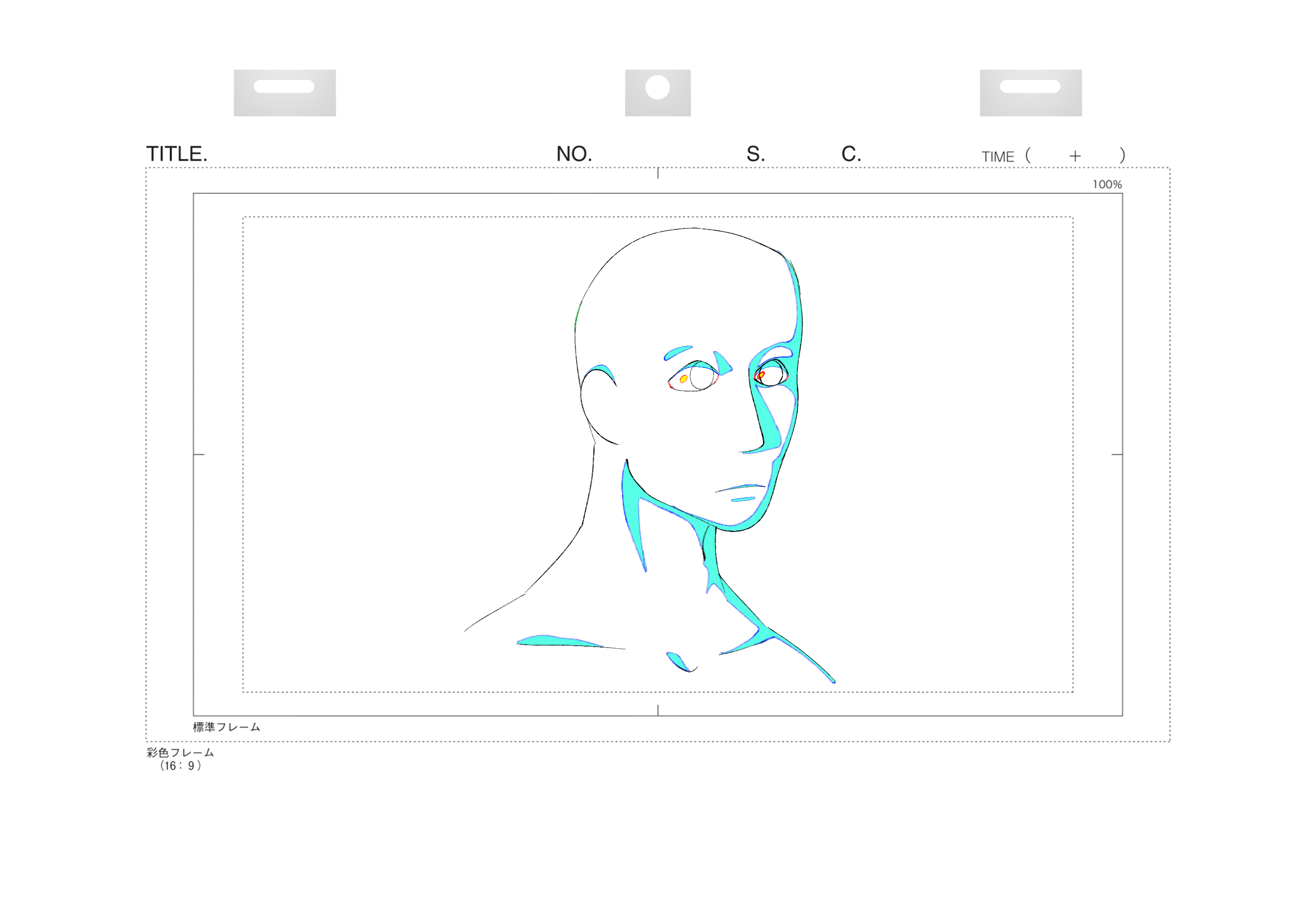
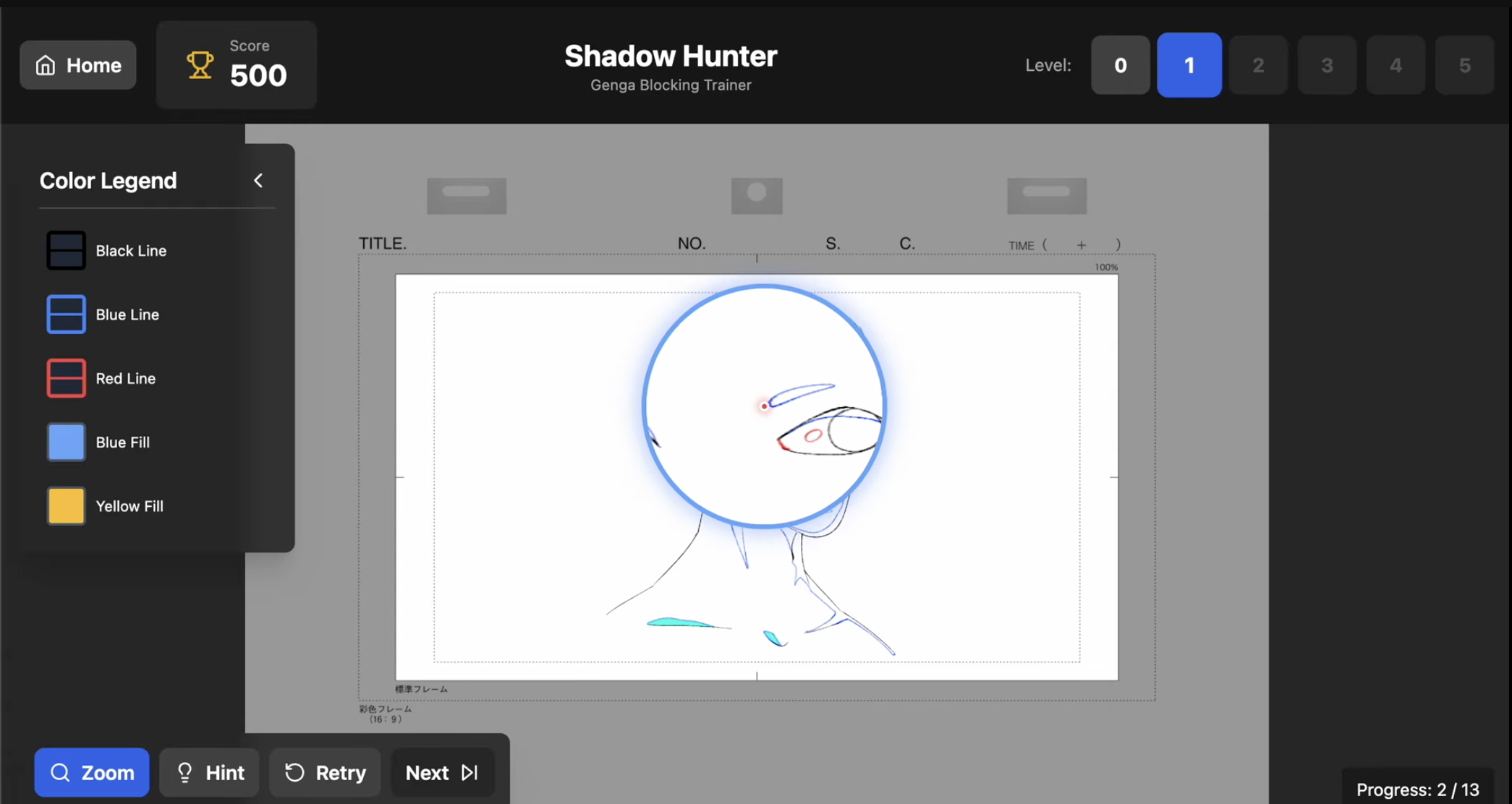
Version 23 was where I began importing the actual assets and building out LEVEL0 and LEVEL1. LEVEL0 focused on basic primitives, teaching users how to identify the blue linework and fill the cyan shadow areas correctly. LEVEL1 built on that by introducing a blank head drawing and a new layer type: yellow highlights.
This level also introduced a zoom tool to help users inspect smaller details. However, the magnifier created new problems, such as the cursor appearing oversized and the cyan shadows and yellow highlights not rendering inside the zoom window, which made it look like nothing was selected. Solving this became the next major challenge in development.
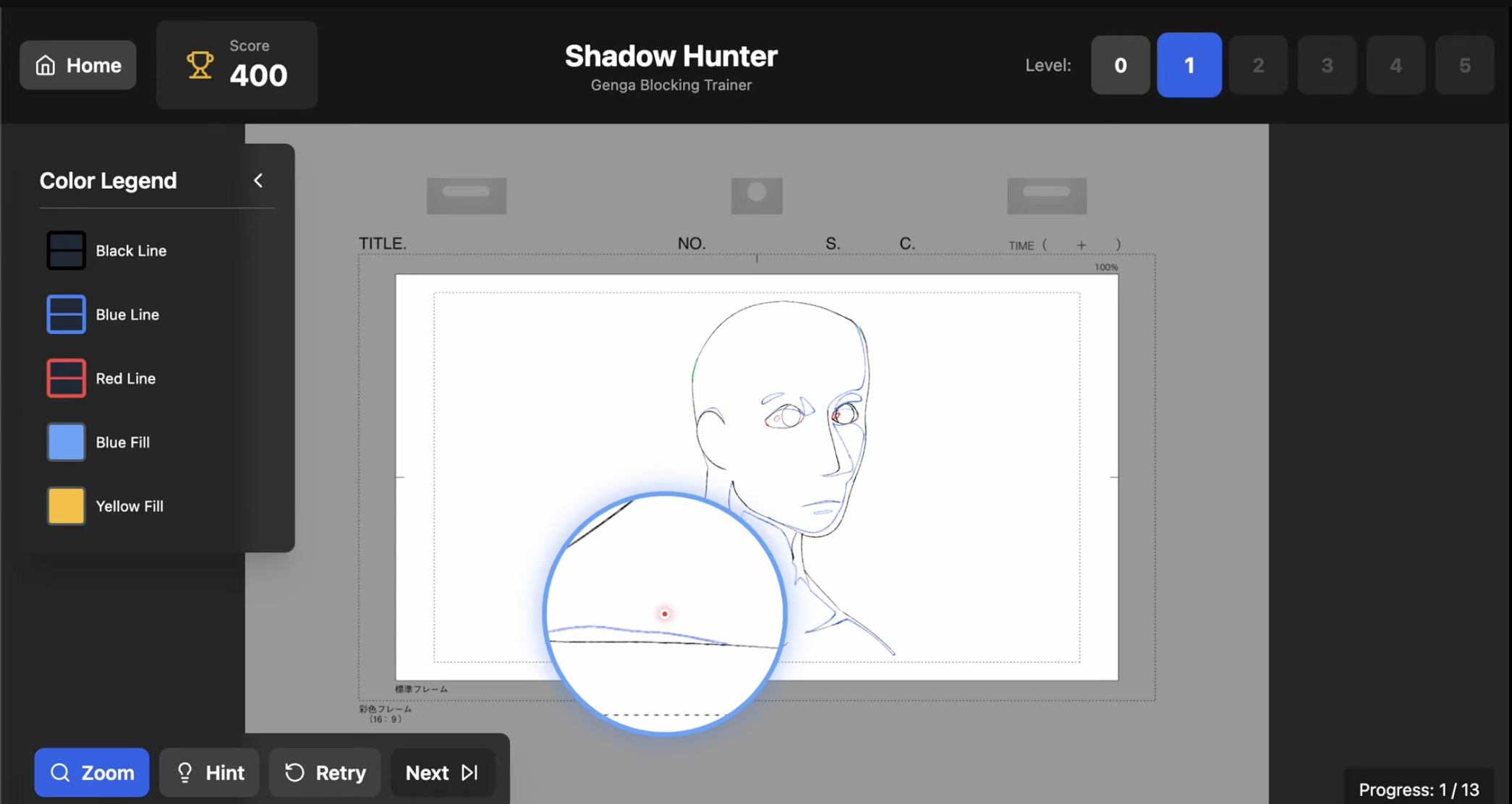
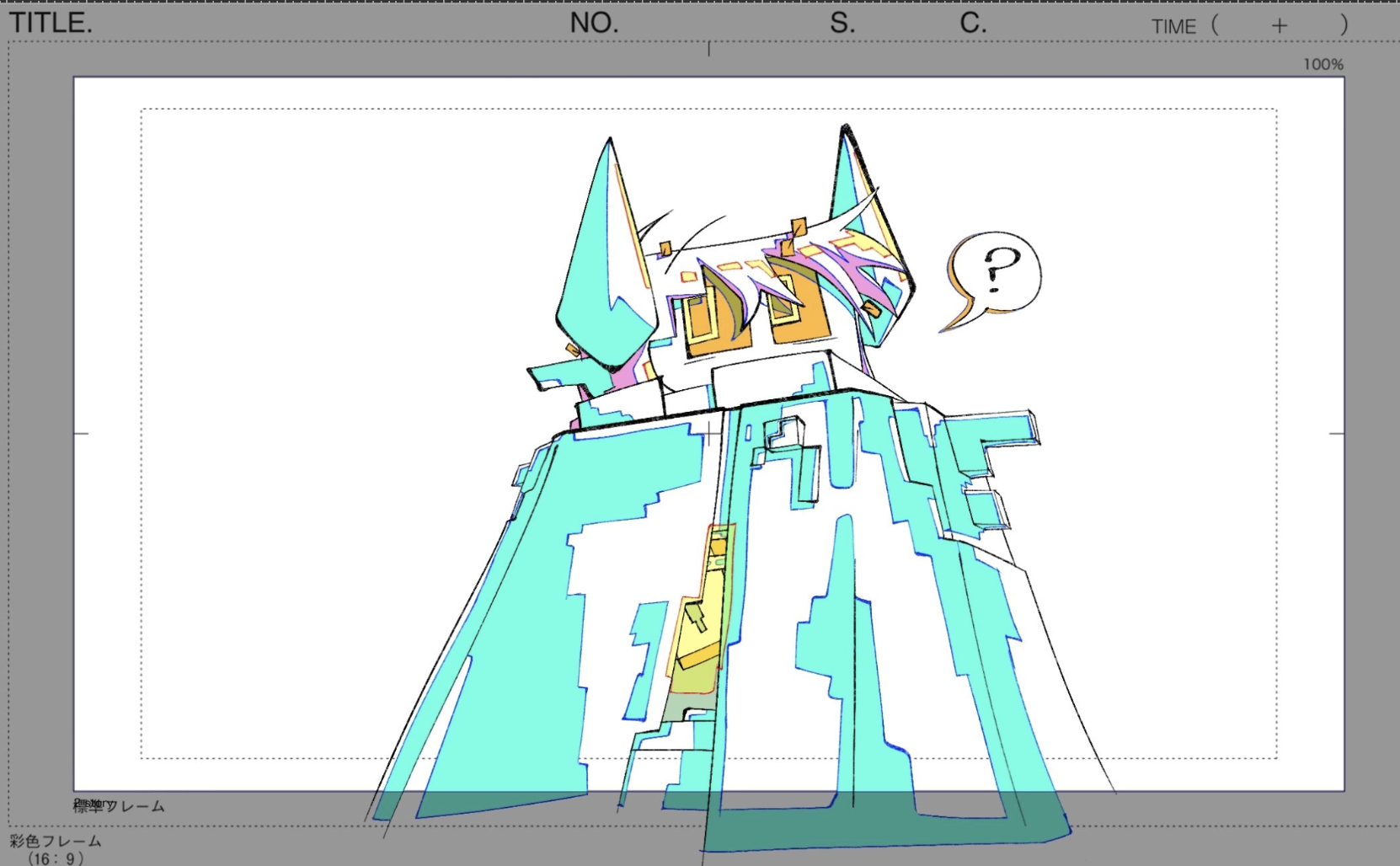
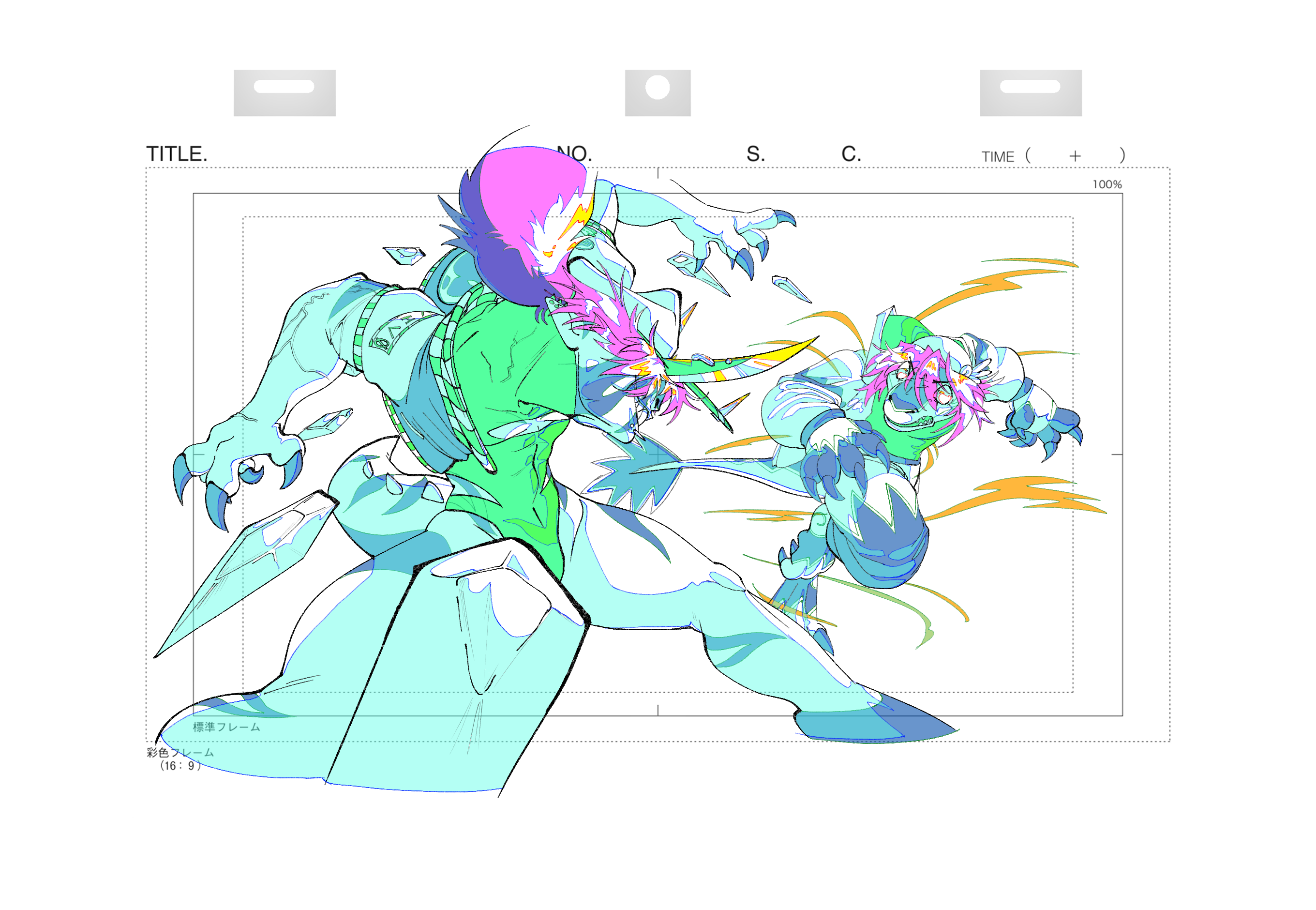
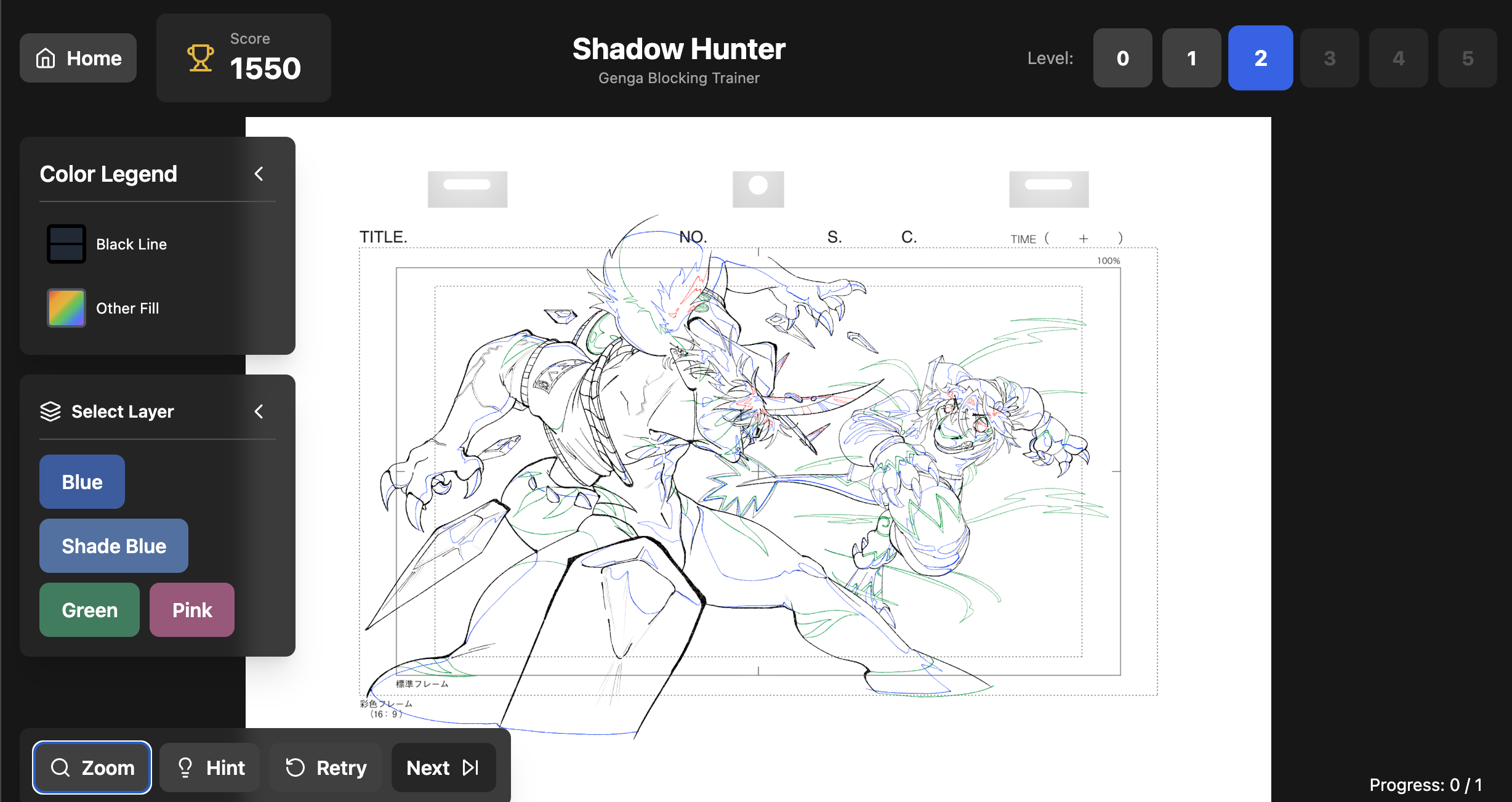
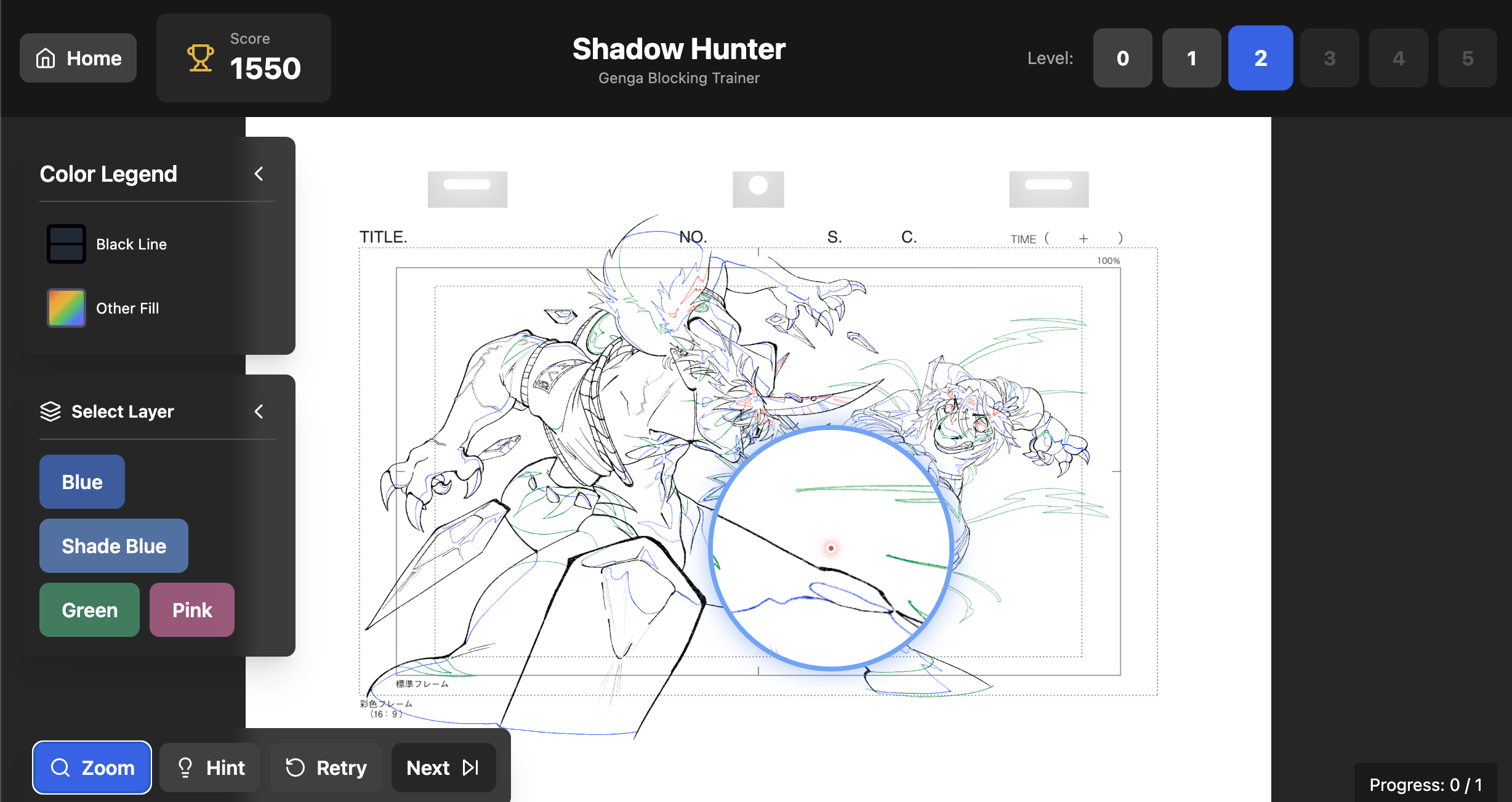
By Version 47, I finally had all the core interactions working by being extremely precise with my instructions to Bolt, often using long, detailed prompts to get the exact behavior I needed. With the main mechanics in place, I moved on to building LEVEL2, which introduced another new tool: Layers. This level expanded the experience by letting users toggle between different visual layers just like an actual genga artist, pushing the interactive complexity a step further.
Version 51 was where development came to an end because I finally ran out of tokens. With what I had left, I focused on improving the Learning page so the educational side felt clear and polished. After that final update, I wrapped the project and prepared it for deployment.
The most enjoyable part of this project was creating the assets themselves. Building the genga-style illustrations let me step back into my comfort zone as an artist and design each level with its own visual challenge. Level 0 used simple primitives to introduce basic shadow shapes, Level 1 explored facial structure and highlight placement, and Level 2 pushed the complexity with full characters, motion lines, and layered shading. I loved crafting these drawings because they brought the experience to life and made the interactivity feel authentic, almost like guiding users through a real animation workflow. The illustration phase was where the project finally felt like mine, and seeing the visuals integrated into the app was the most rewarding part.